
 PearPass
How To Sync Vault Between Devices
PearPass uses peer-to-peer technology to sync vaults securely across devices without relying on centralized servers. Thanks to the Pear Runtime, vaults can sync in every direction: desktop to desktop, desktop to mobile, mobile to desktop, and mobile to mobile.
The steps below walk through syncing from a desktop device to a mobile device.
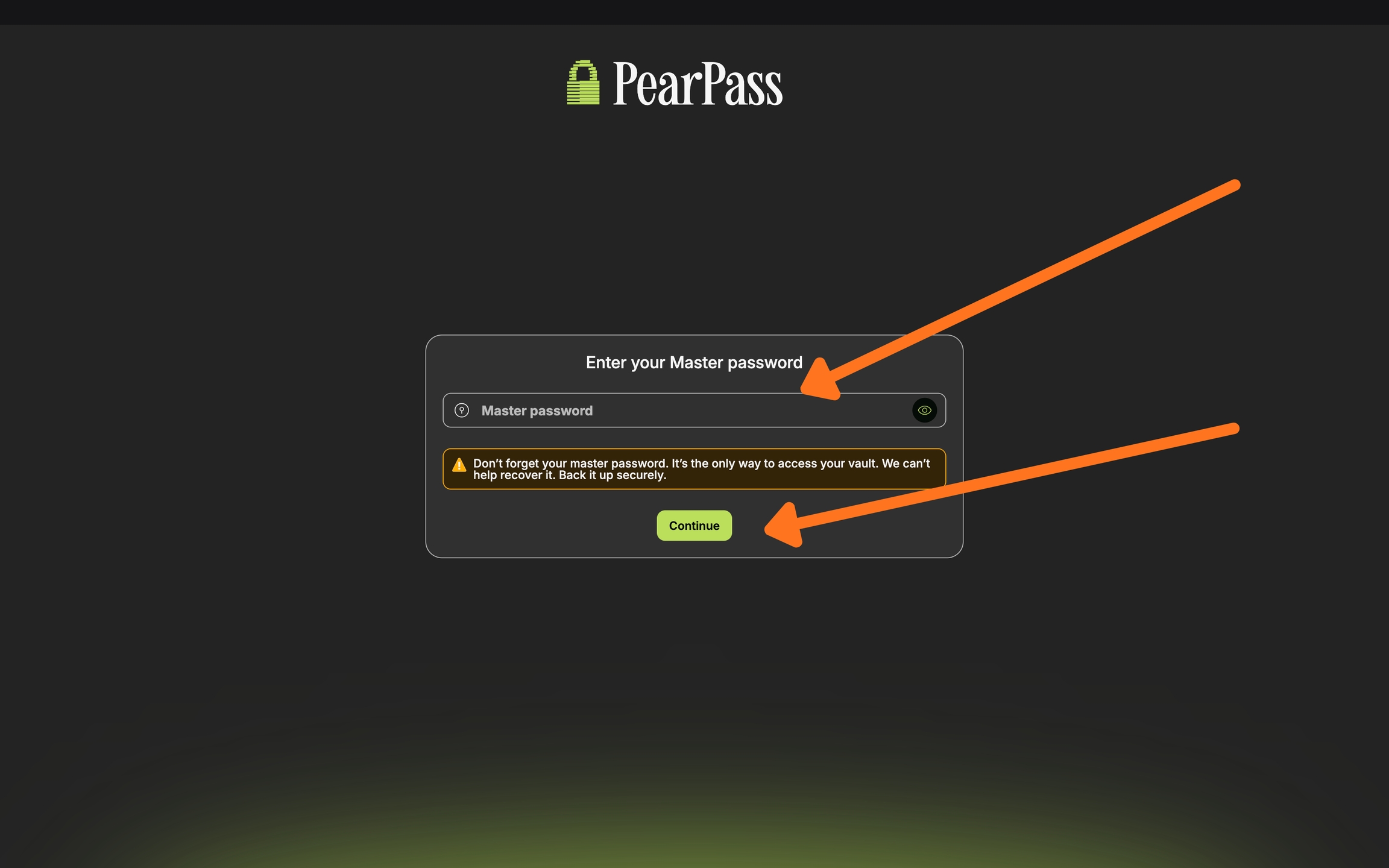
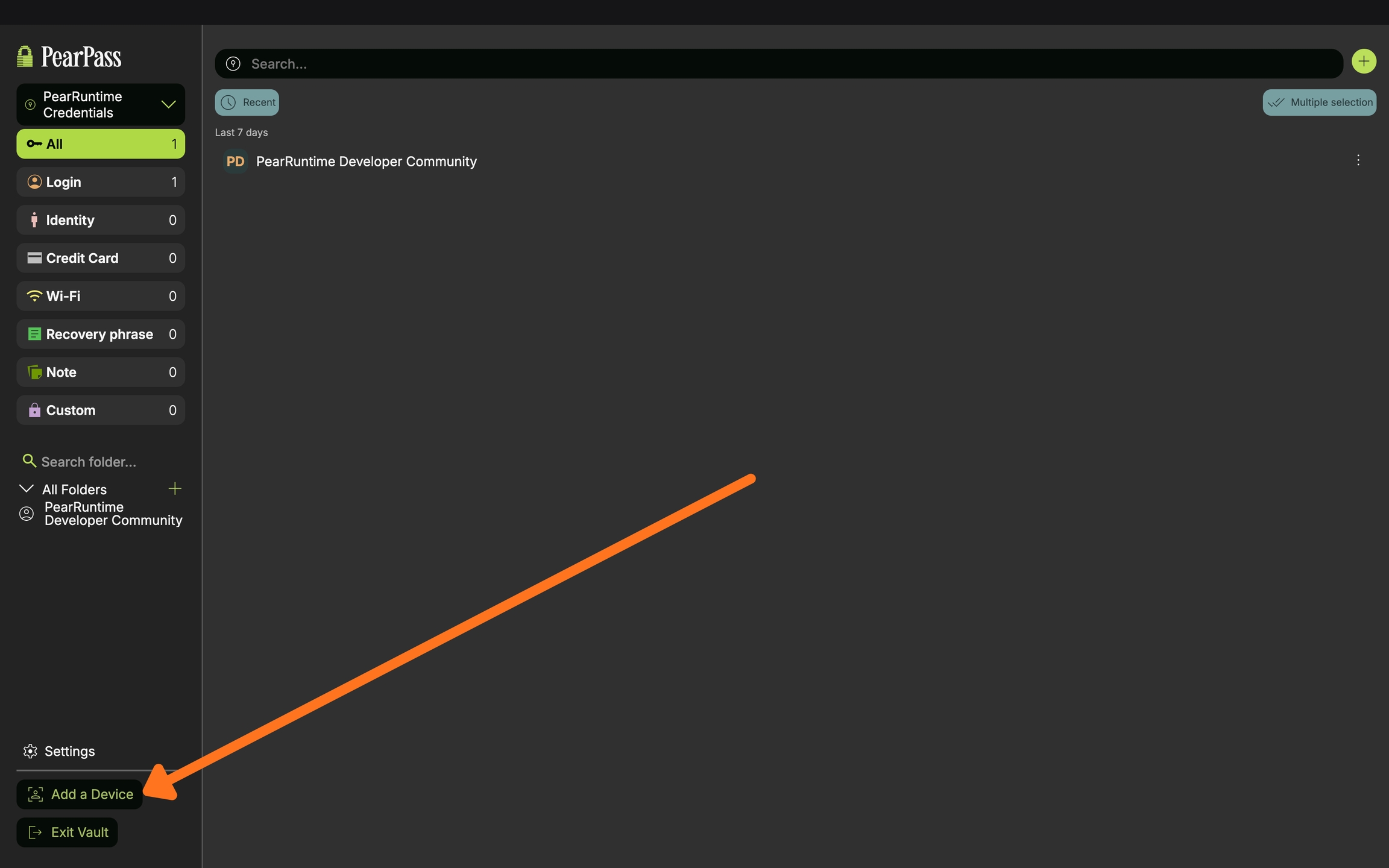
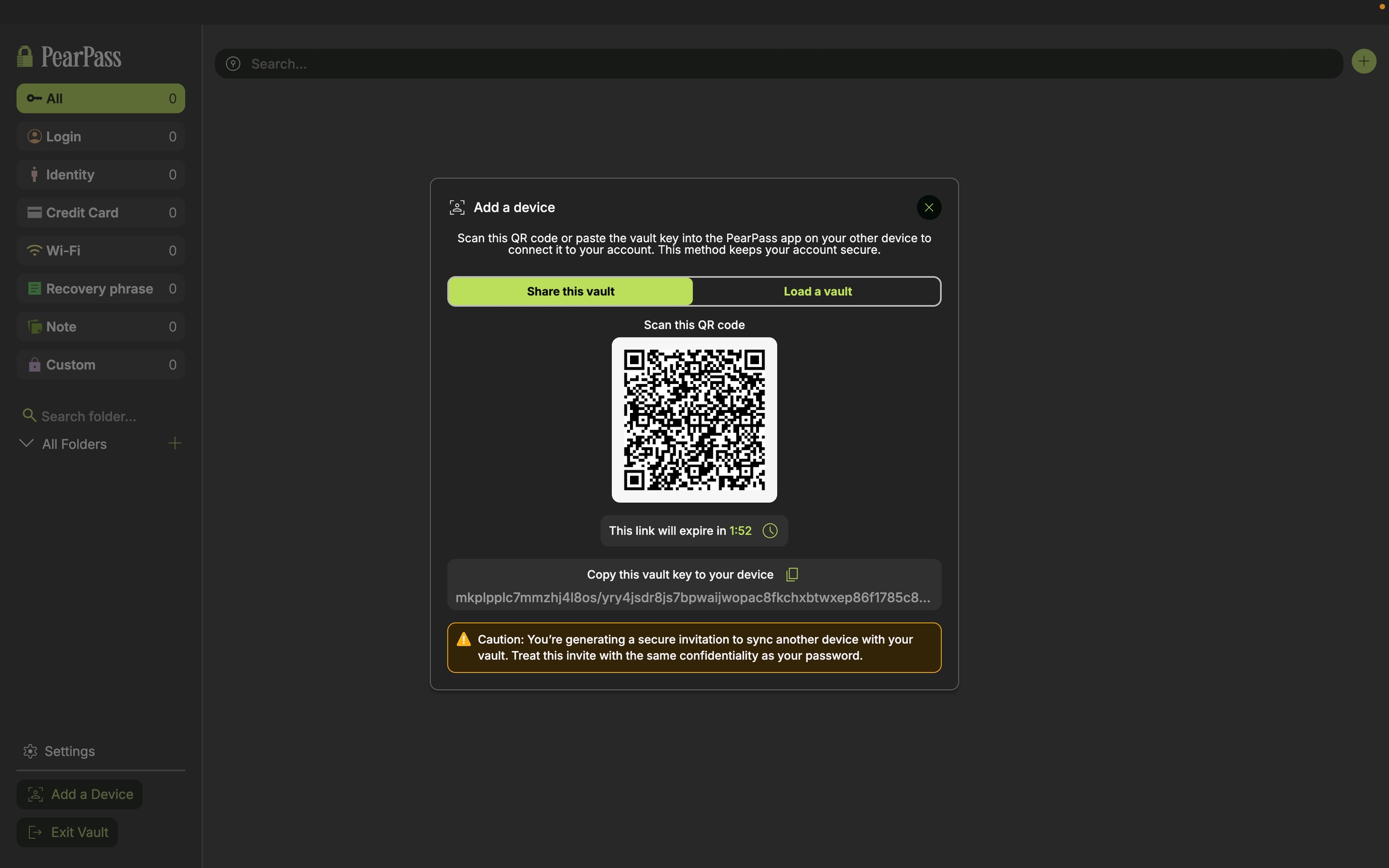
Syncing From Device 1 (Desktop)

Syncing to Device 2 (Mobile)
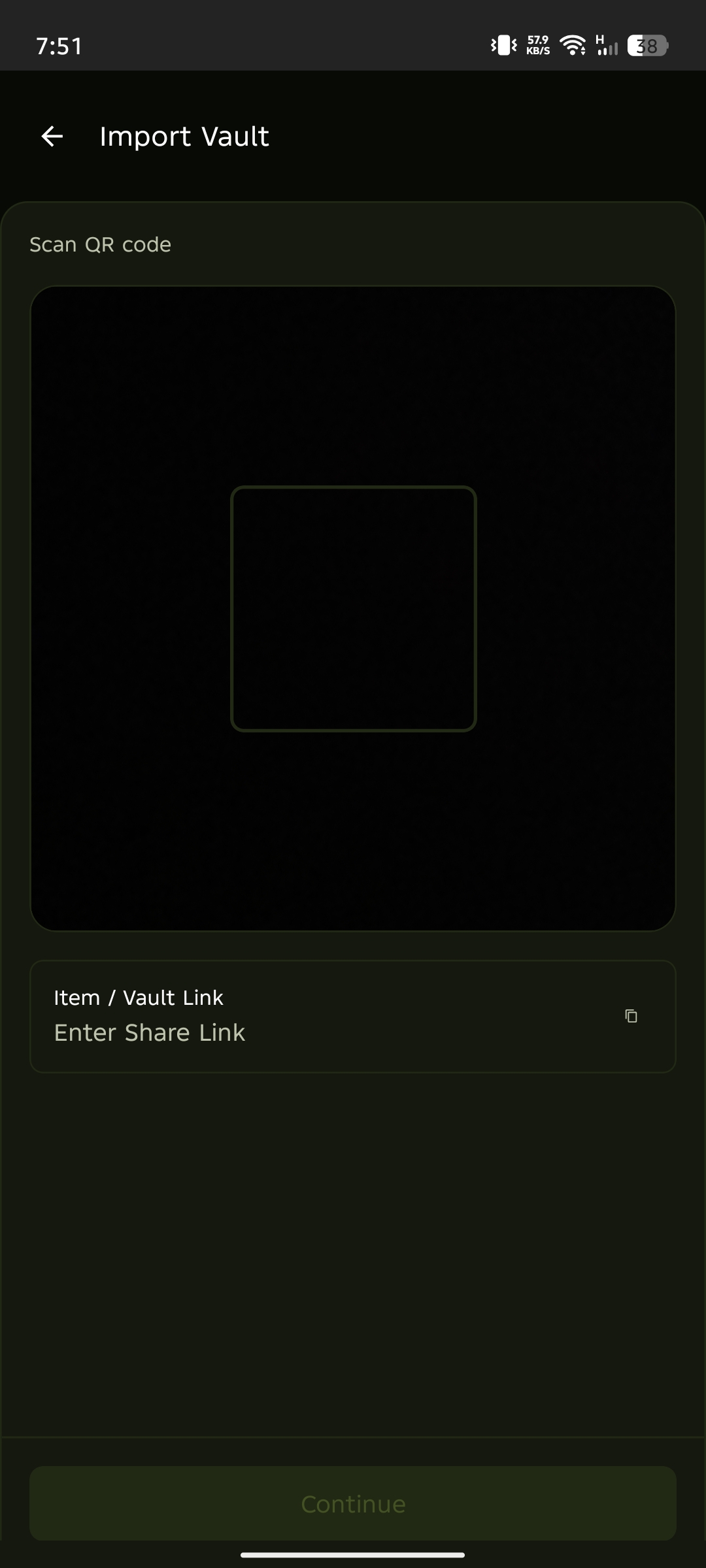
Enter or scan
Enter the Vault Sync Code from your computer (Device 1) and tap Continue, or scan the QR Code.
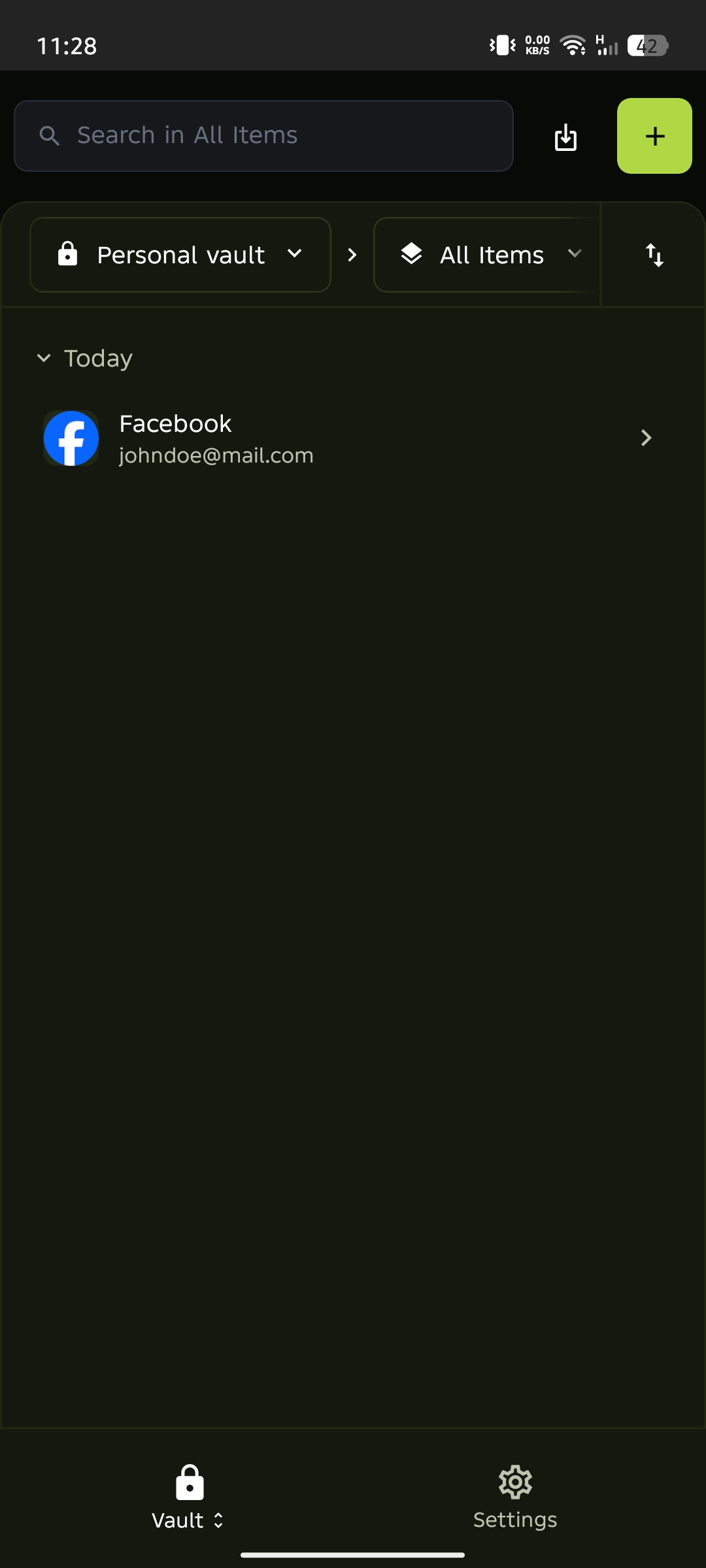
Your vault will sync securely between Device 1 and Device 2. Any changes made on one device will automatically update on the other.